
Trace
2 activitiesFollow guided strokes to form each of the 26 letters and 10 numerals.
55 activities across 13 categories, plus an AI Story Book.55 activities across 13 categories: tracing, letter sounds, spelling, counting and an AI Story Book that reads a new tale aloud.
4.6 App Store · 5.0 Google Play

4.6
on the App Store, from 14 ratings
5.0 on Google Play, from 47 ratings
Free to download
No third-party ads anywhere in the app.
On the App Store as “Kids Math Games & ABC Learning”
Weekly $3.99, Monthly $7.99 with a 3-day free trial, Yearly $34.99 with a 7-day free trial. US pricing. Cancel anytime.
▶️ Watch it work
The app's own tour, straight from the store listing.
Loads only when you press play. Nothing is requested from YouTube before that. Watch on YouTube
✨ What's inside
From first letter shapes to first sums, in one continuous learning path.
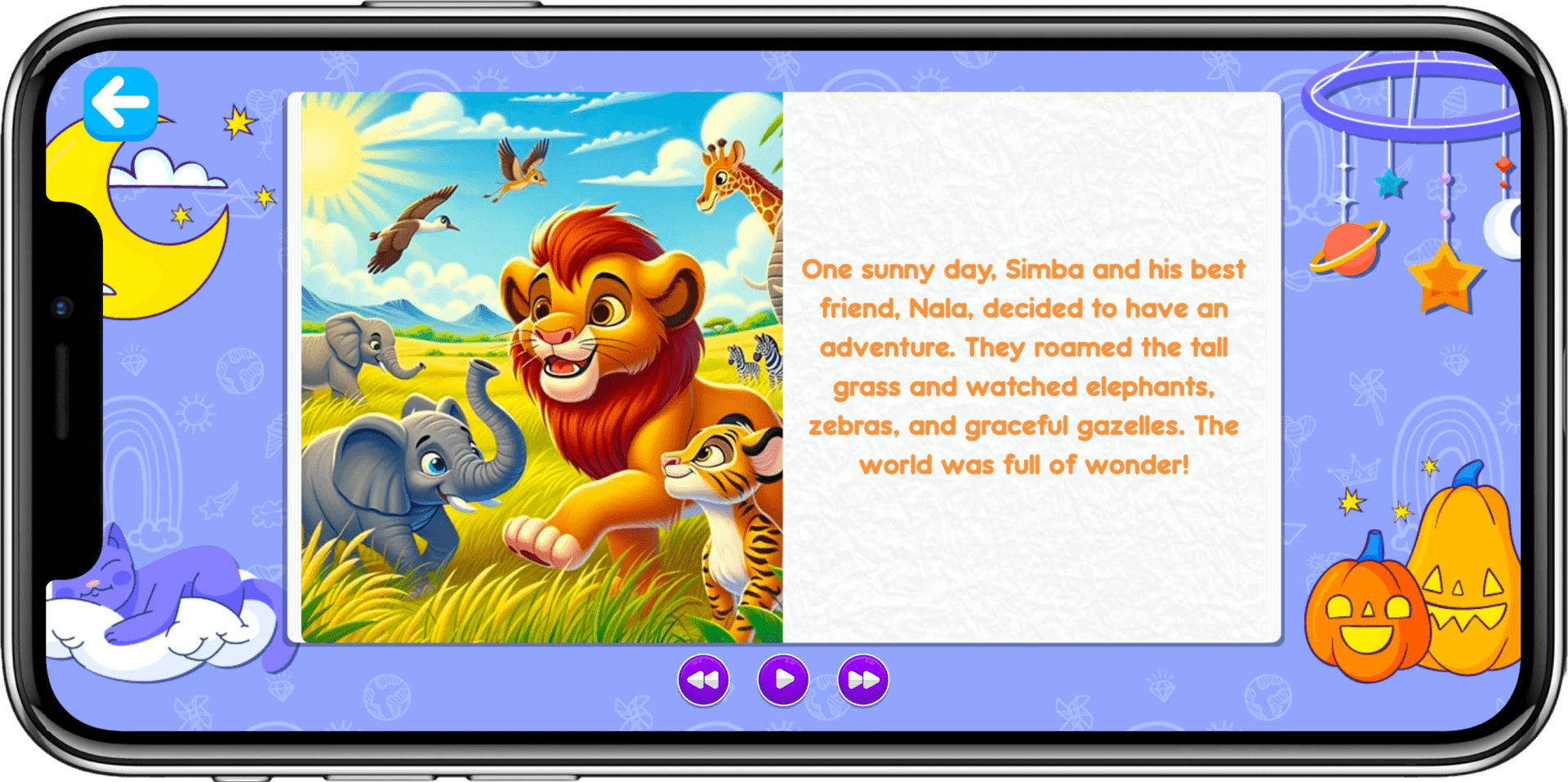
Your child types a title; the app writes a 5–8 page story, illustrates every page and reads it aloud.
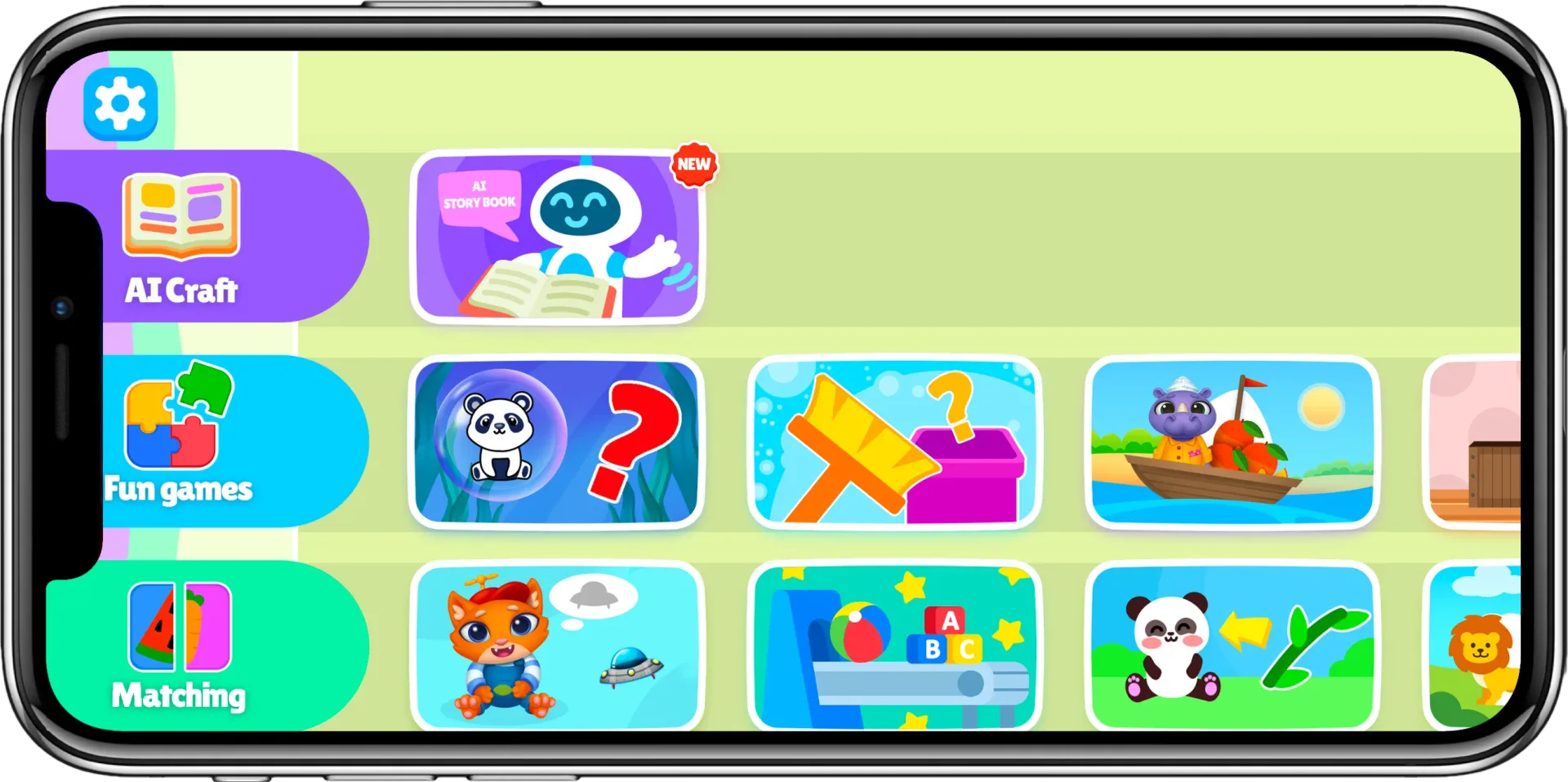
One library of short activities, moving across ABC, 123, shape puzzles and animal games.
Step-by-step strokes teach how to form uppercase letters, lowercase letters and numbers.
Tap any of the 26 letters to hear it named aloud, then spell a word that uses it.
Number games that begin at counting, with addition and subtraction added in the latest update.
Short mini-drills build sight words and the word patterns behind early reading.
🧩 One interface, every topic
32 of the 55 activities use these five formats, re-skinned across every topic. The other 23 are one-off scenes built from scratch.
Follow guided strokes to form each of the 26 letters and 10 numerals.
Tap a letter or number to hear it named aloud.
Build the word for a fruit, shape, colour, vehicle or first word.
Rebuild the picture from pieces: animals, fruits, vegetables, transport.
Turn cards over and find the matching pair.
Counted from the app’s own activity list: 32 re-skinned plus 23 bespoke makes 55.
🗂️ The whole menu
Every row your child scrolls through, with the number of activities inside it. 609 levels in total.
Type a title, get an illustrated story read aloud
Recycling, boats, a kitchen, a quest, size sorting
Silhouettes, hidden objects, toy rooms
Tracing, counting, spelling, first addition
Trains, buses, fish and drawing across 9 colors
Nine shapes to slot, spell, match and puzzle
Trace and sound out all 26 letters
Match adults to their young, plus jigsaws
Ten fruits to spell, puzzle and remember
Thirteen vegetables across three game types
Thirteen first words, from ball to flower
Thirteen body parts to name and match
Fourteen vehicles to spell and puzzle
Counts are the real ones, read from the app’s own menu configuration, not a marketing round-up.
🎪 Not your average flashcard
23 of the 55 activities are one-off scenes rather than a re-used format. These five are the boldest.
Sort rubbish into six recycling bins for paper, glass, metal, plastic, organic and e-waste.
Steer a boat across the water, collecting the fruit that gets called out.
Pop the bubble holding the named animal or food before it drifts away.
Put ten everyday objects in order, smallest to largest.
Open-ended pretend play, with appliances to run, juices to pour and meals to cook.
Named in full, from Green Guardians. The whole set, not a sample.
Names and mechanics read from the app’s own activity list.
🤖 AI Story Book
Your child types a title. The app writes a story of 5 to 8 pages, generates a picture for every page, and reads it aloud.
🎯 Activities
Real screens from the app. Swipe through a few of them.
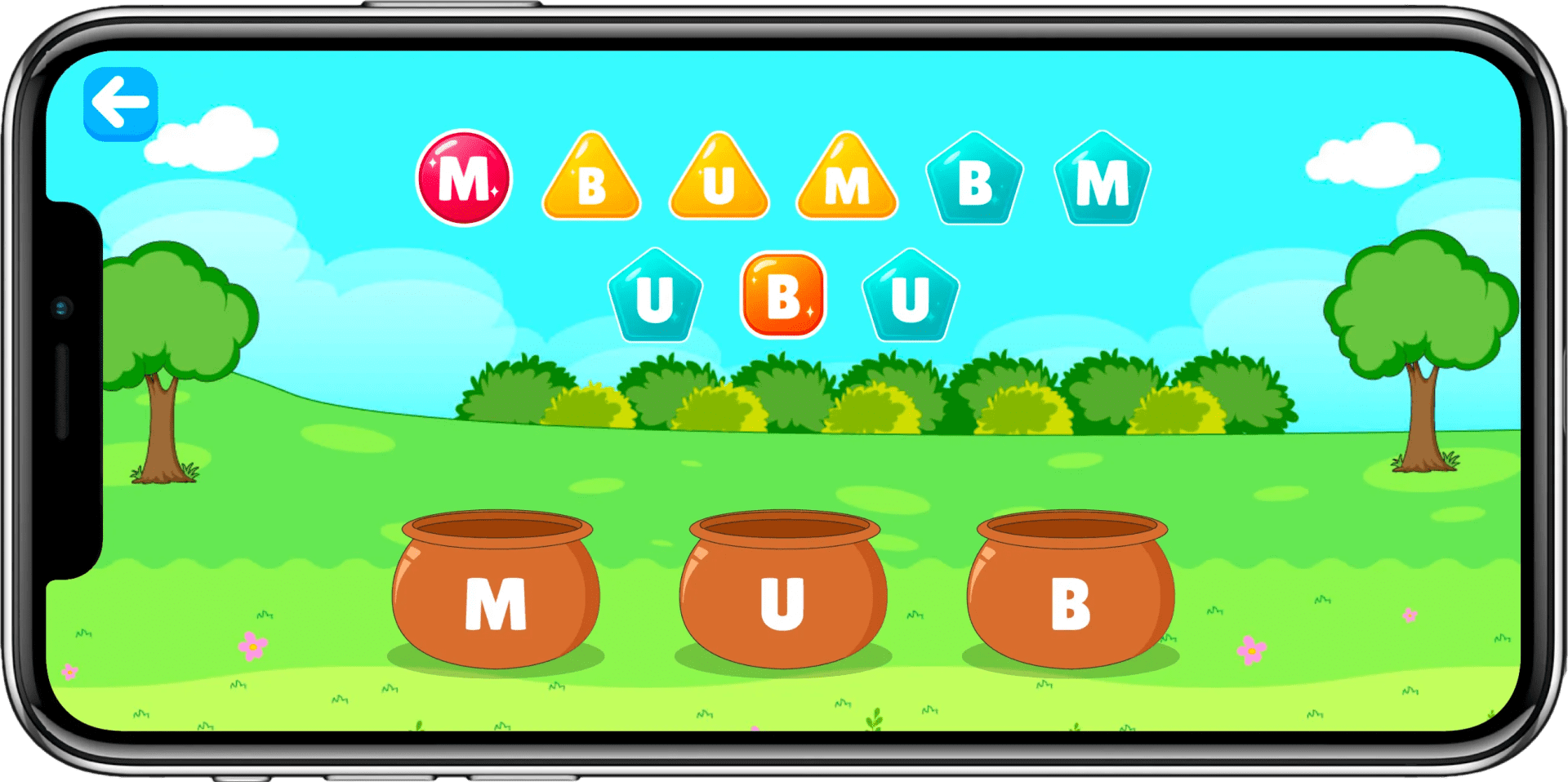
Big friendly letters to trace and match, one guided stroke at a time.

Count the fruit in the clouds with the bunny, the cat and the hippo captain.
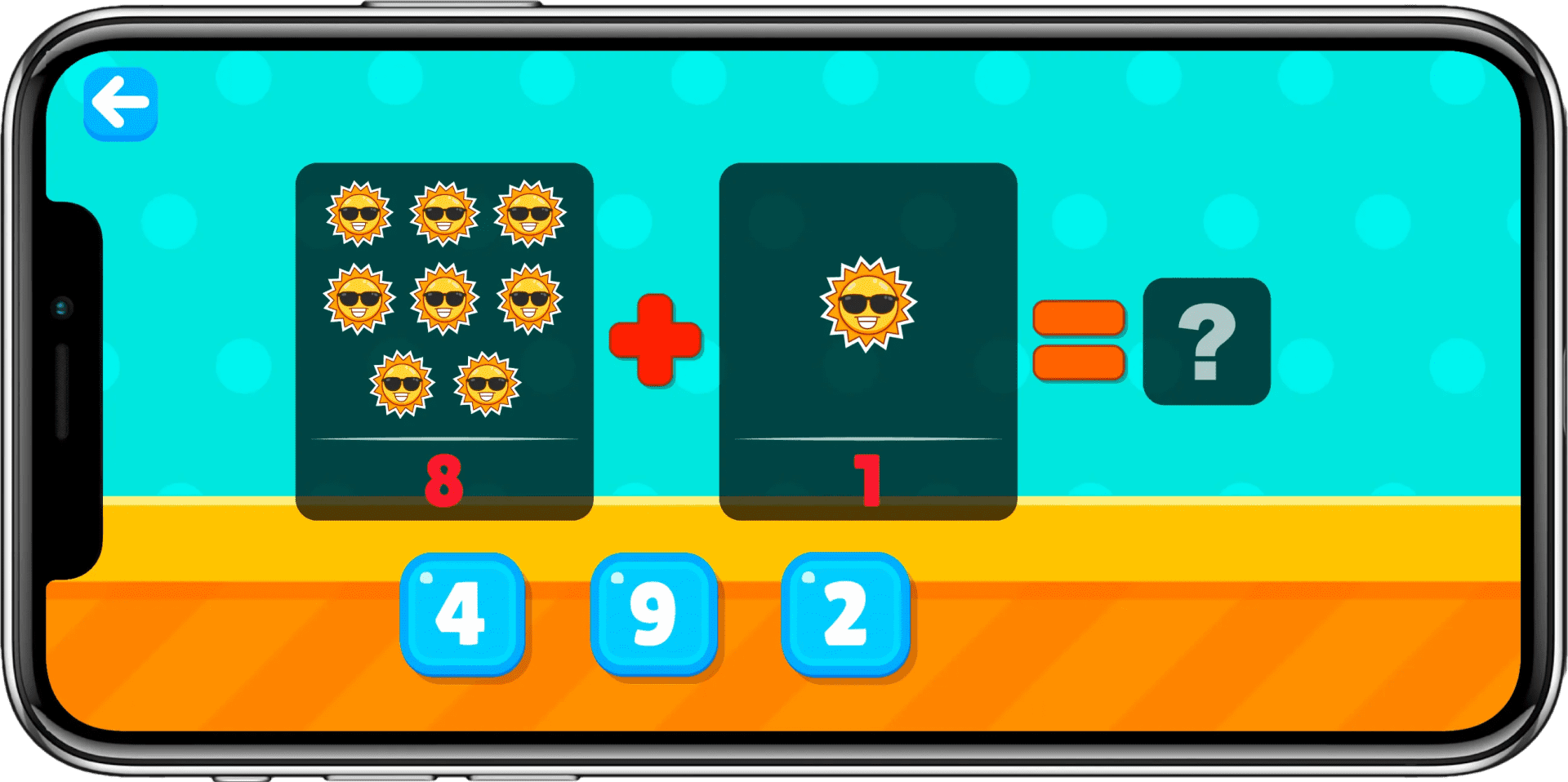
Objects you can see and count, added together. New in the latest update.

Load the wagons and sort the shapes as the train rolls down the track.
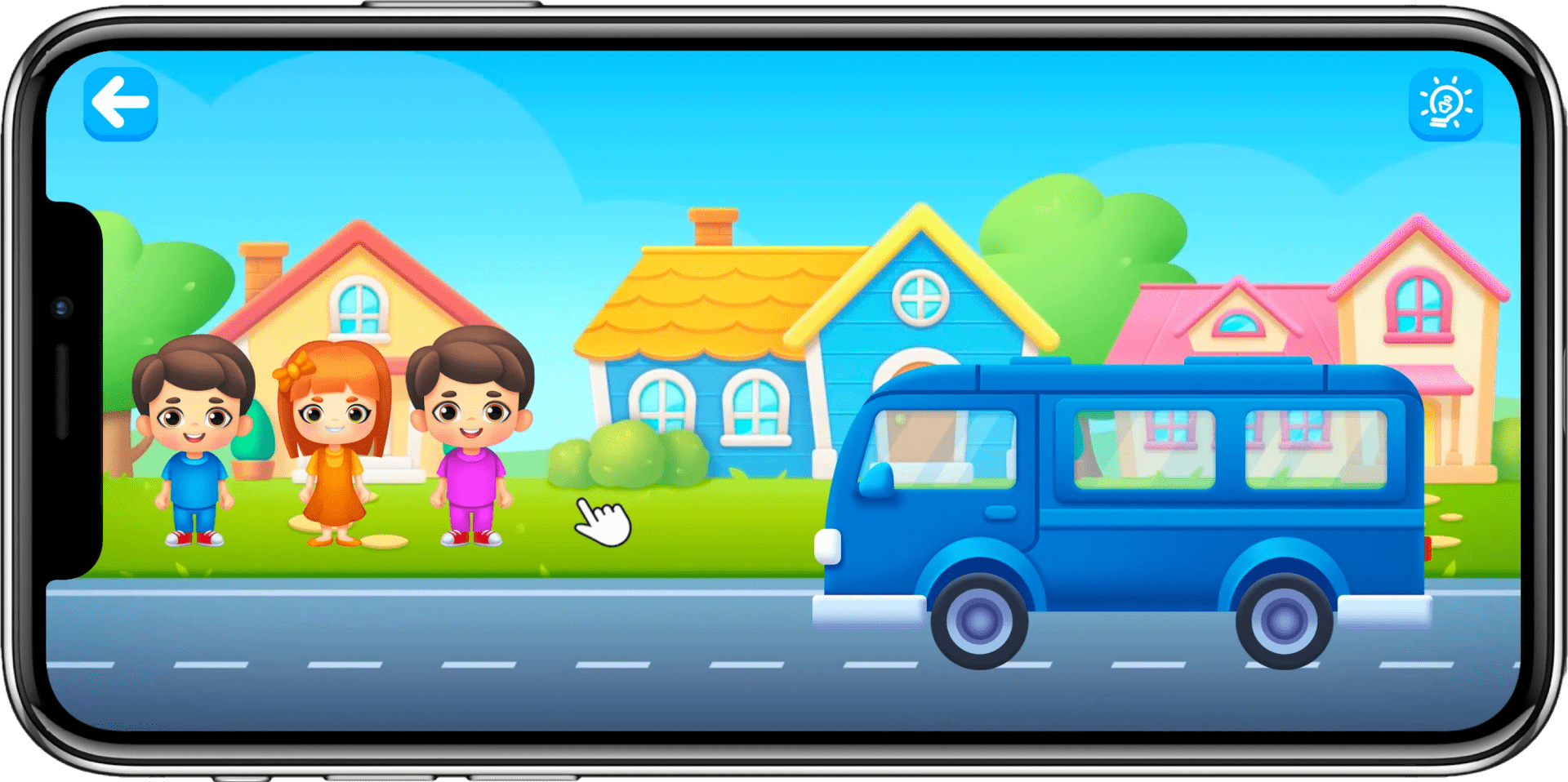
Ride along with the characters, spotting colors and friends on the way.
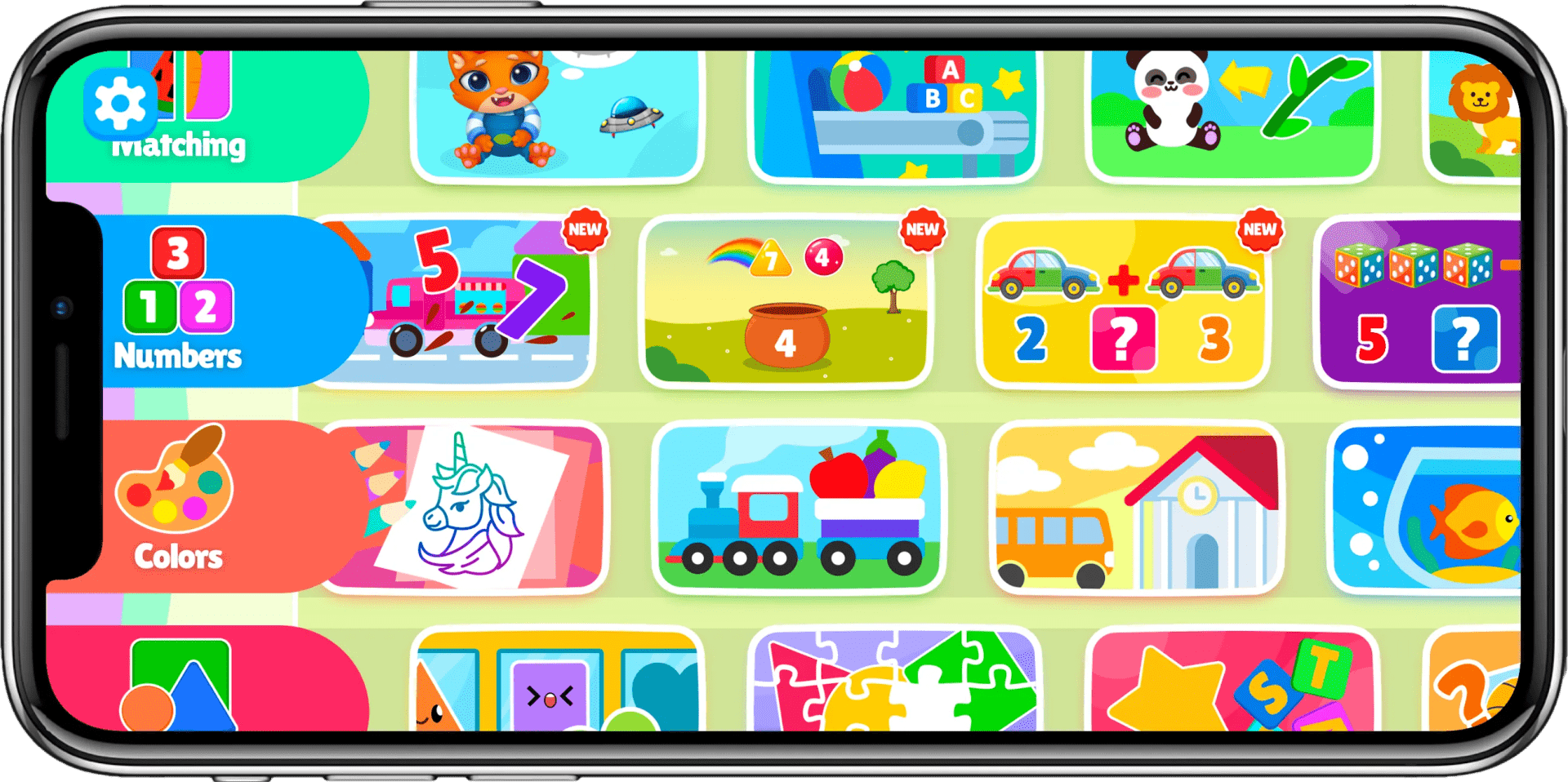
Tracing, matching, puzzles and story games, all reachable from one home screen.
📱 Inside the app
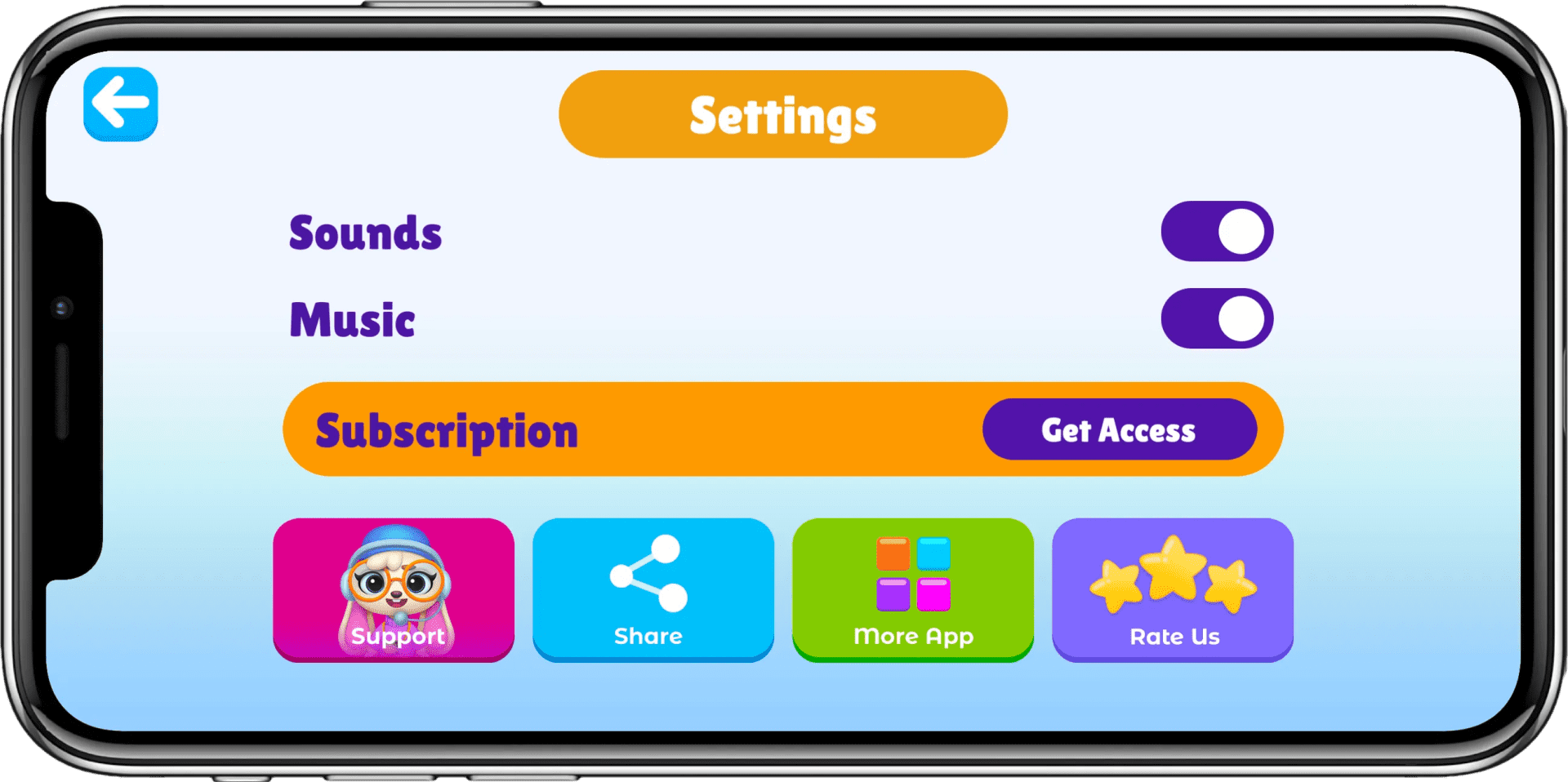
A friendly interface built for little hands, with grown-up areas kept behind a gate.
📅 Still shipping
On Google Play since June 6, 2018 and the App Store since July 29, 2018. Still updated, most recently in July 2026.
4.6
App Store rating · 14 ratings
5.0
Google Play rating · 47 ratings
10,000+
downloads on Google Play
🛡️ For the grown-ups
The things a parent checks before handing over a phone.
The app contains no advertising SDK at all: no banners, no video ads, nothing for a child to tap into.
Your child plays without an account. A parent can add one for backup, with the parent's email address, never the child's. We never sell data. Details are in our Privacy Policy.
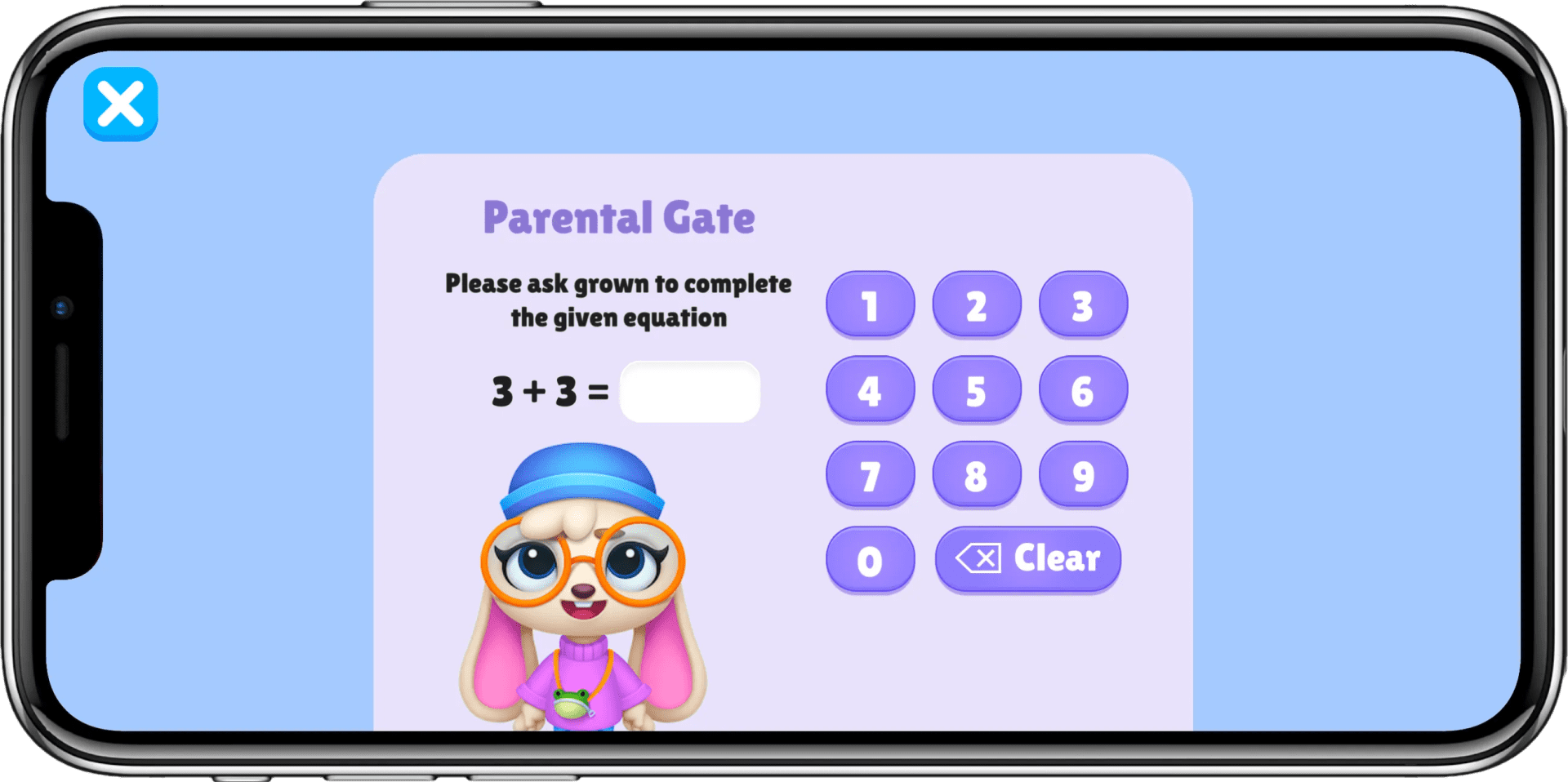
Buying always needs your App Store or Google Play password or Face ID, and a parental gate sits in front of the grown-up settings.
54 of the 55 activities run entirely offline, because every picture and sound ships inside the app.
4.6
App Store rating · 14 ratings
5.0
Google Play rating · 47 ratings
10,000+
downloads on Google Play
👋 Who makes this
Built in 2018 and still being improved 8 years later.

Usman Mughal
Founder & CEO, Mobizio
We built Preschool Kids Academy with a simple belief: early learning should feel like play, not pressure. We wanted to create a safe, engaging space where young children could learn their ABCs, numbers, words, shapes and early math skills through hands-on activities that keep them curious.
From the beginning, our focus has been on making learning simple for little hands while giving parents peace of mind, with no third-party ads, parental controls and most activities available offline.
Over the years, we’ve continued improving the app based on what young learners need, adding new activities and experiences such as our AI Story Book. Our goal is simple: help children build a strong foundation for learning while making every step enjoyable.
💬 Reviews from Google Play
Quoted verbatim from the app's public Google Play reviews.
4.6 from 14 App Store ratings5.0 from 47 on Google Play
⭐⭐⭐⭐⭐
“Absolutely love this preschool app! … The variety of educational games and activities is impressive, and it's wonderful to see our child's confidence and skills grow.”
⭐⭐⭐⭐⭐
“This is a great app for my young child. My Dear Daughter loves to learn, which is why she's so alert! This app keeps her intrigued and wanting more.”
⭐⭐⭐⭐⭐
“Great app for kids learning. Smooth filling of letters. keep up the nice work”
❓ FAQ
Ages 2–6. Activities span first letter shapes through blending sounds and first sums, so a two-year-old and a five-year-old each find their level. The App Store rates it 4+, and Google Play lists it in the Family category for ages up to 8.
No. The app contains no advertising SDK of any kind: no banners, no video ads, no sponsored content. The only commercial screen is the subscription page, and no purchase can complete without your App Store or Google Play password or Face ID. A parental gate with an arithmetic question sits in front of the settings area and the restore-purchase link.
Downloading is free. There are three subscriptions: weekly at $3.99, monthly at $7.99 with a 3-day free trial, and yearly at $34.99 with a 7-day free trial. The weekly plan has no trial and bills immediately. Those are US prices. The App Store and Google Play show your own currency and add local tax where it applies. Cancel any time before a trial ends and you are not charged. Cancellation is handled in your App Store or Google Play account settings, not in the app.
Yes, 54 of the 55 activities work with no connection at all, because every picture and sound ships inside the app. Only creating a brand-new AI story needs the internet; stories already made, and the two that come with the app, play back offline.
Your child types a story title. The app writes a story of 5 to 8 pages, generates a picture for every page, and reads it aloud in an English narration voice. Two stories ship with the app and play offline.
Your child can play without an account, and the app has no third-party ads. A parent can choose to create an account for backup; we ask only for the parent's email address, never the child's. The AI features send a drawing or story title to our AI providers only to create the result, and usage statistics are not linked to any account. We never sell data. Full details, and how to delete an account, are in our Privacy Policy.
iOS 11.0 or later on iPhone, iPad and iPod touch, macOS 11.0 or later on a Mac with an M1 chip or later, and Android 8.0 or later on Android phones and tablets.
Yes. It has been updated regularly since its July 29, 2018 release. The iOS build is at version 3.0.3 (July 11, 2026), which added the addition and subtraction games, and is about 351.5 MB; the Android build is at version 3.0.1 (July 27, 2026).
Free to download on both stores. A subscription unlocks all 55 activities. The monthly and yearly plans start with a free trial.
On the App Store as “Kids Math Games & ABC Learning”